Action planning
 A1 proofreading not yet effective for this page. In the meantime, you can ask any questions on the forum.
Gestan has a schedule to display actions.
Using the screen
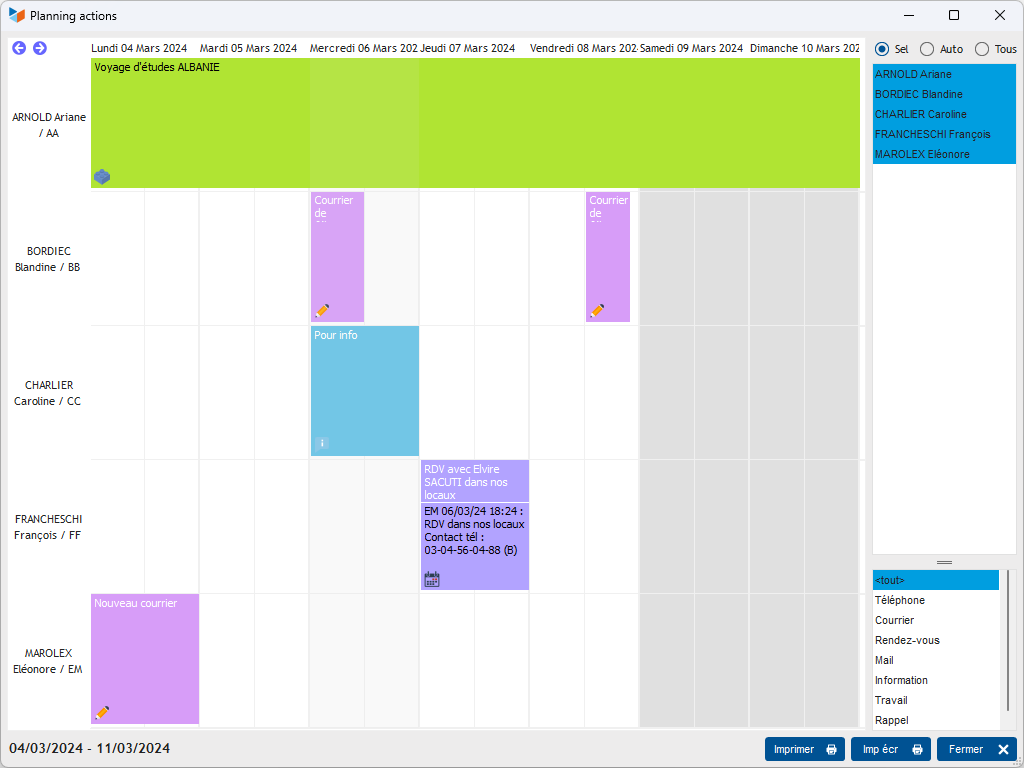
The radio button allows you to choose 3 options:
- all: all users are displayed
- auto: users are displayed if they have an action recorded for the period
- sel: You can select the users you want to display.
The user list context menu allows you to select users from a pool or service.
The Auto refresh menu of the planning context menu allows you to automatically refresh the screen: with each modification, the screen displays the new data, which is practical when, for example, it is permanently displayed and used to monitor a activity in progress.
 Other Activity articles