Table des matières
Postal codes
 A1 proofreading not yet effective for this page. In the meantime, you can ask any questions on the forum.
List of postal codes
**Access : ** Tools→Administration→Repository
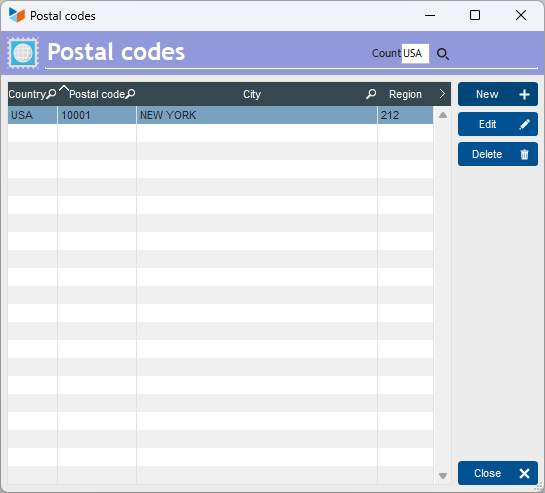
The list shows the zip codes of the country's various localities.
The table's contextual menu allows you to import zip codes in two ways:
- download from the Internet: simply select the desired country. If other countries are required, you can send us the corresponding files.
- via a text file: see below.
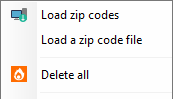
Import zip codes via text file
The context menu opens the screen below.
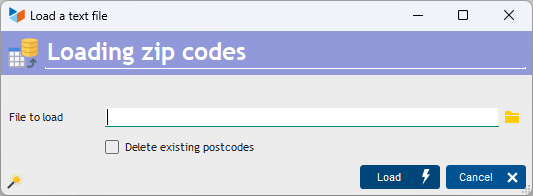
Select the import file, and click on Load.
If you had checked the Delete existing postcodes box, the current zip code file will be reset to zero before import.
The input file must be in tab-delimited or semicolon-delimited text format, including per line :
- country code(3 because it must be consistent with the country code table)
- postal code
- city
- postal region code (for USA, GB, BRA and AUS), if applicable
- possibly a geographical area code (must be consistent with the geographical area table)
Any line beginning with the “#” character will be considered a comment.
The magic wand generates a file ready for loading.
The input file must be a text file with separator (TAB, comma, semicolon, or any other character). To do this, you can use a spreadsheet program like LibreOffice Calc or Microsoft Excel (remember to save the file in text format with separator), or even a simple word processor like Notepad, or better still, PSPad.
 Other “Referential ” articles