Projects: merge/change
 A1 proofreading not yet effective for this page. In the meantime, you can ask any questions on the forum.
This screen is used to merge one task into another, or to assign a task to another project.
Use: merge
Access :Tools ? Administration ? Mass data processing ? Projects/Consos ? Merge/Change
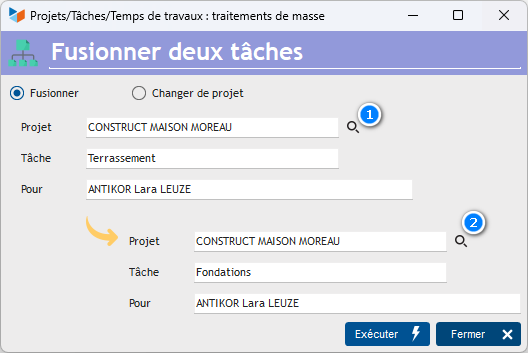
After selecting the source task to merge with the 1 magnifying glass, and the target task to merge it to with the 2 magnifying glass, the Execute button will cause the task to be merged into the target task: all elements linked to the source task will be linked to the target task. At the end of the process, the source task can be deleted.
Use: change project
Access :Tools ? Administration ? Mass data processing ? Projects/Consos ? Merge/Change
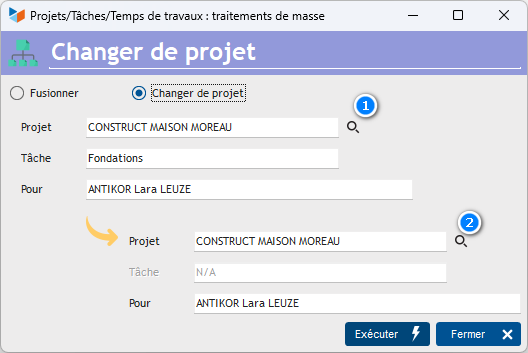
After selecting the source task to be moved with the 1 magnifying glass, and the target project to which to assign the task with the 2 magnifying glass, the Execute button will cause the source task to be added to the target project.
 Other “Projects, tasks, work times ” articles