Project planning
 A1 proofreading not yet effective for this page. In the meantime, you can ask any questions on the forum.
Using the screen
Access : via the Planning button in the project list.
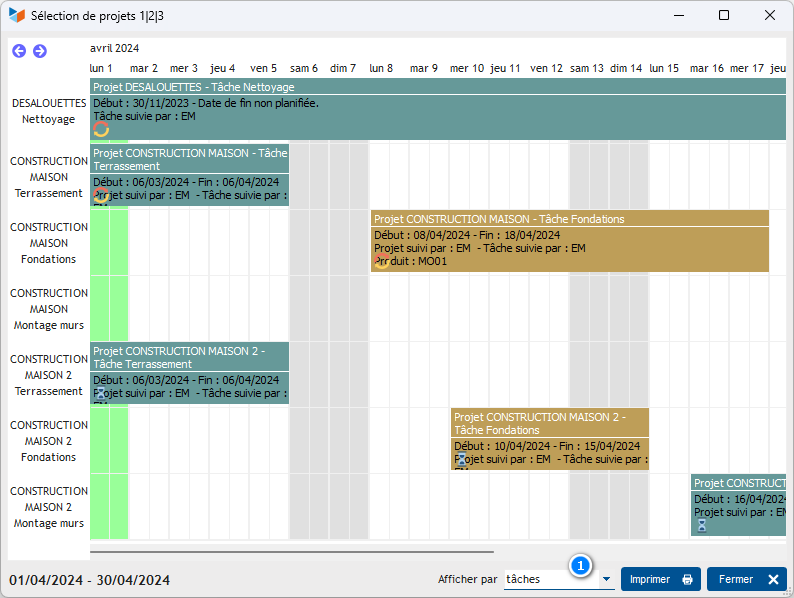
The projects you have selected from the project list are displayed on the schedule.
Display colors are those linked to project types when displaying by project, and those linked to task type when displaying by task.
The 1 combo allows you to select the display option best suited to your search.
Context menu
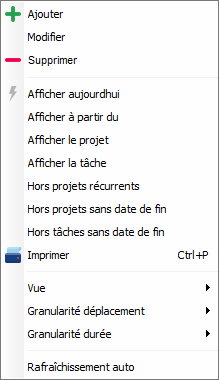
This menu allows you to choose whether or not to display:
- recurring projects
- projects with no end date
- tasks with no end date
Automatic re-display allows you to update the screen each time a project/task is modified: for example, to keep this screen permanently displayed, to track the progress of projects/tasks throughout the day.
 Other “Projects, tasks, work times ” articles