Machines
 A1 proofreading not yet effective for this page. In the meantime, you can ask any questions on the forum.
The concept of machine designates any object, material, equipment that you can or must maintain, rent or lend.
There are three categories of “machines”:
- resource machines: these are the machines that are your production force, for example rotary presses if you are a printer.
- maintenance machines: these are the machines that you maintain, for example your customers' boilers if you are a heating engineer
- rental machines: these are the machines that you rent, for example bicycles if you rent a bicycle. They can be grouped into “kits”.
List of machines
Prerequisites: in the general configuration, machine tab, activate the management of machines in the categories you want.
Access: via the Activity menu for rental and maintenance machines, via the Products menu for resource machines.
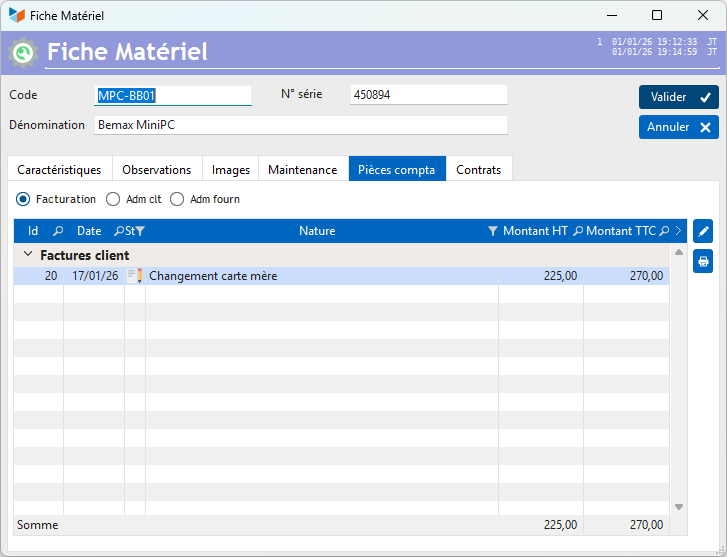

The context menu of the screen allows you to display, or not, the filter combos by Client and by Company at the top of the screen.
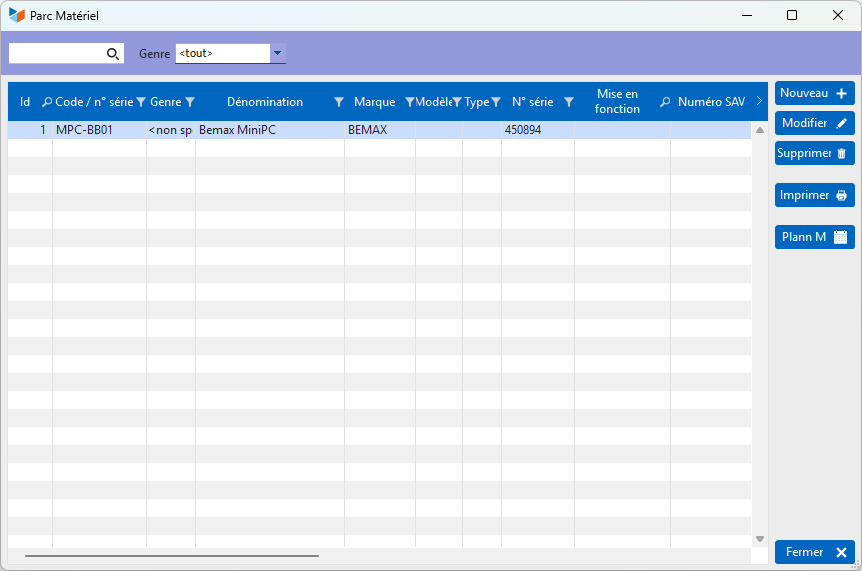
The context menu of the table allows, among other things, to generate a deposit slip, a form that you can use to indicate that one of your customers has entrusted you with a machine for repair.
The Transfer option allows you to switch a “maintenance” machine as a “rental” machine, and vice versa.
The Machine sheet
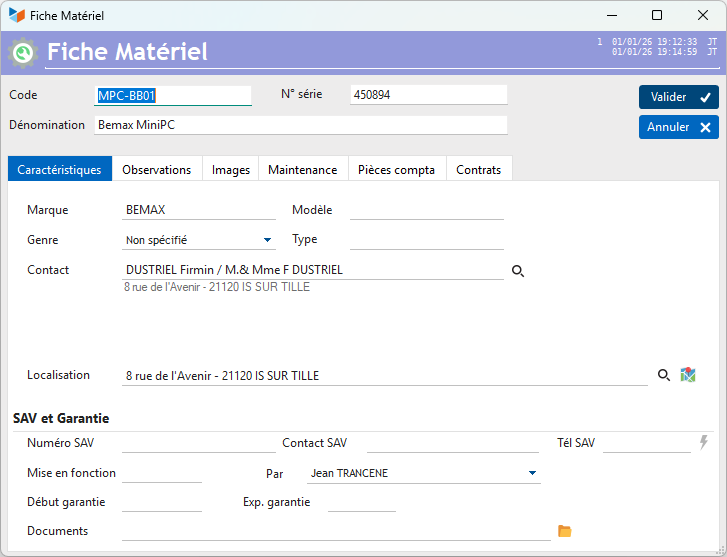
The Serial number field has a context menu which allows it to automatically generate an EAN13 code (to possibly manage machine labels, for example)
Characteristics tab
This tab includes the characteristics of the machine, type, brand, etc., and any after-sales service and insurance data.
The machine may or may not be linked to a Contact.
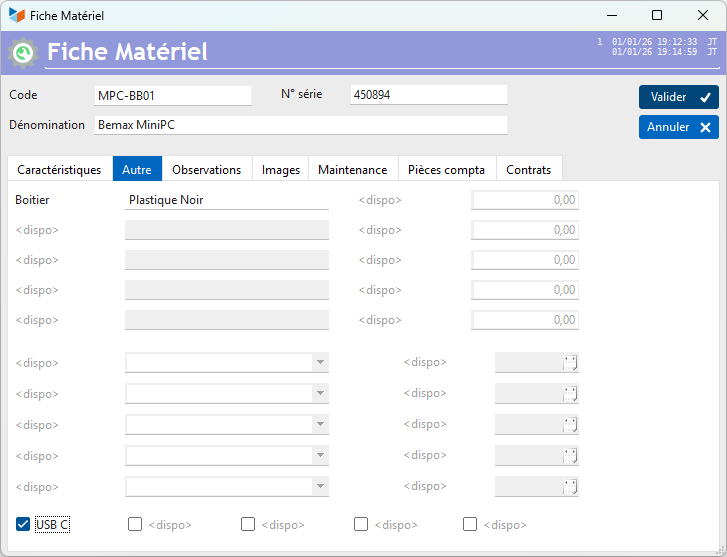
Other tab
It allows you to display any additional fields of the machine.
Observations Tab
This zone is in free format, allowing unstructured information to be stored.
Maintenance tab
The Maintenance tab allows you to record the maintenance operations planned for the machine.
- The top table allows you to declare the recurring actions of the maintenance plan, which, when they are generated, will be displayed in the bottom table.
- The bottom table allows you to record any specific action to be done for a machine.
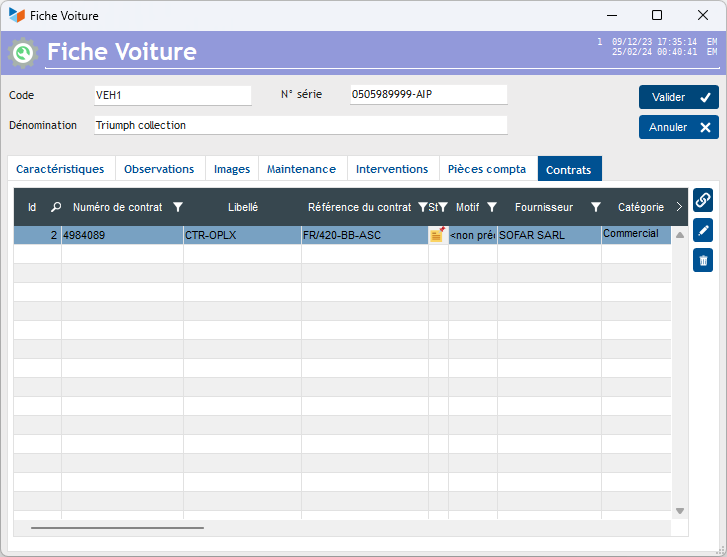
Contracts tab
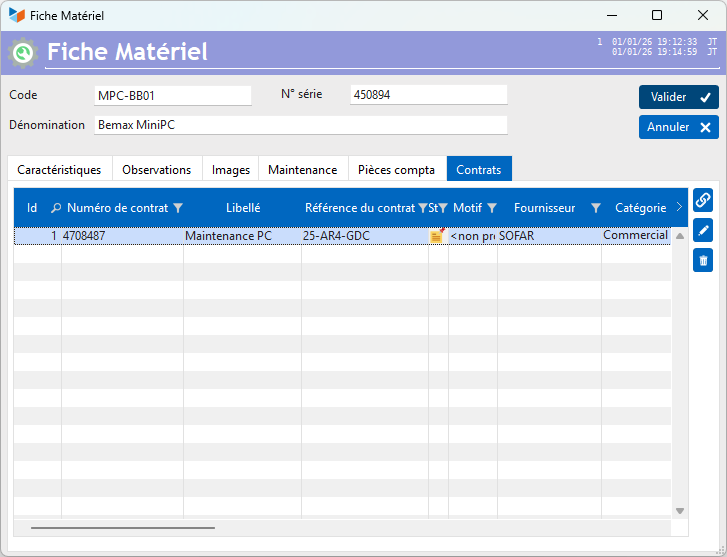
This tab is displayed if contracts are managed. It allows one or more existing contracts (for example, maintenance contracts) to be attached to a machine.
Machine Location Sheet
For a “rental machine”, there are additional fields in the Characteristics tab.
The Mag(asin) area is used to note the number of machines you have. For a piano, for example, with a serial number, the number is 1. But if you have, for example, 1200 plates, you will prefer to put 1200 in this area, rather than recording the same plate 1200 times!
The Product Code area is used to link a product, for example “Daily rental”, which will be used when establishing the rental invoice. The price taken into account will not be the price on the product sheet, but the price indicated in the PU excluding tax zone. This makes it possible to have a single product code for different prices, such as for example the price of hotel rooms, which are often different per room, even though they are the same product (renting a room for a day). See details of the calculation methods on this page.
 Other “Machines” articles